

ဒီနေ့ တော့ github action တွေကို ကိုယ့်ရဲ့ local machine မှာ စမ်းနိုင်ဖို့ အသုံးဝင်တဲ့ cli tool တစ်ခုကိုပြောပြပါမယ်။ act လို့ခေါ်ပါတယ်။
Github Action ဆိုတာဘာလဲ
act ဆိုတာဘာလဲ မရှင်းပြခင်မှာ github action ဆိုတာဘာလဲ အရင်ရှင်းပြပါမယ်။ သိပြီးတဲ့လူတွေကတော့ skip လို့ရပါတယ်။ အလွယ်ကူဆုံးရှင်းပြရရင်တော့ github action ဆိုတာက CICD platform တစ်ခုပါပဲ။ CICD ဆိုတာကိုတော့ အများကြီး မရှင်းပြတော့ပါဖူး။ ကျွန်တော်တို့ရဲ့ code တွေကို github ထဲမှာ version control system အနေနဲ့ထားကြမယ်။ အဲ့ဒီ repo ထဲမှာပဲ code တွေကို runners တွေကနေတစ်ဆင့် အလိုအလျောက်
- build လုပ်ပေးမယ်
- test လုပ်ပေးမယ်
- artifact တွေလိုအပ်ရင် ထုတ်ပေးမယ်
- ဒါမှမဟုတ် docker image တွေထုတ်ပေးမယ်
- နောက်ဆုံး CD (Continuous Delivery / Deployment) လို့ခေါ်တဲ့ cloud server တွေ (သို့) kubernetes cluster တွေဆီကို application run နိုင်ဖို့အထိ အလိုအလျောက်လုပ်ပေးနိုင်ပါတယ်။
github action တွေက workflow ဖိုင်တွေ အနေနဲ့အလုပ်လုပ်ကြတာပါ။ repository ရဲ့ .github folder ထဲမှာ workflow တွေကို yaml syntax တွေနဲ့ ရေးကြရပါတယ်။ အဲ့ file တွေထဲမှာ trigger လို့ခေါ်တဲ့ event တွေသတ်မှတ်ပေးကြရပါတယ်။ ဥပမာ - ဒီ github action ဟာ push event တိုင်းမှာ run မှာလား pull_request တွေမှာ run မှာလား စသည်ဖြင့် သတ်မှတ်ပေးရပါတယ်။
ဒီလောက်ဆို github action ဆိုတာဘာလဲအနည်းငယ် သိလောက်မှာပါ။
act ဆိုတာဘာလဲ
အထက်မှာ ရှင်းပြခဲ့သလိုပေါ့ဗျာ။ github action တွေဆိုတာ code ထဲမှာ push or pull request something else တစ်ခုခု trigger ဖြစ်မှ အလုပ်ထလုပ်မှာမျိုးဖြစ်တယ်။ jobs တွေများတဲ့ workflow တွေဆို ကျွန်တော်တို့ git ထဲမှာ ခဏခဏ ပြင်လိုက်စမ်းလိုက်လုပ်နေရင် အဆင်မပြေဖူးလေ။ ဒါကြောင့် local မှာ သေချာစမ်းမယ်။ စမ်းလို့အဆင်ပြေပြီဆိုမှ git ထဲကို ထည့်လိုက်မယ်။ ဒီ နေရာမှာ act ကအရမ်းကိုအသုံးဝင်လာတာပေါ့ဗျာ။ ဒါဆို act ကဘာလဲ။ act ကတော့ github action တွေကို local computer မှာ run နိုင်တဲ့ command-line tool တစ်ခု ဖြစ်ပါတယ်။
act သုံးခြင်းရဲ့ကောင်းကျိုးတွေ
ကျွန်တော်တို့ github action workflow တွေကို local မှာ run ပြီး debugging လုပ်နိုင်မယ်။ workflow error တွေကို git ထဲ push မလုပ်ခင် ပြန်ပြင်လို့ရတယ်။ local မှာ အလွယ်တကူ run လို့ရတာကြောင့် workflow error တွေရှင်းဖို့ အချိန်ကုန်လည်းသက်သာစေမယ်။ CI မှာ failed pipelines တွေအများကြီးလည်းမမြင်ရတော့ဖူးပေါ့။
act ကိုသုံးမယ်ဆို သတိပြုစရာများ
act ဟာ gitub server မဟုတ်တော့ တစ်ချို့ settings တွေ configuration တွေဟာ မတူညီနိုင်ဘူး၊ secrets တွေ variables တွေကို .env ဖိုင် သို့မဟုတ် .secres ဖိုင် သို့မဟုတ် CLI မှတဆင့် သေချာသတ်မှတ်ပေးဖို့ လိုပါတယ်
workflow ထဲကအချို့ features တွေဟာ github server ပေါ်မှာသာ အလုပ်လုပ်နိုင်တဲ့အတွက် act မှာ အားနည်းချက်အနည်းငယ်ရှိပါတယ်။ ဒီလောက်ဆို act ဆိုတာ ဘာလဲသိလောက်ပြီထင်ပါတယ်။ အသုံးလိုမယ်ထင်ရင် အောက်က link တွေကနေ ဝင်ပြီးလေ့လာလို့ရပါတယ်။
Discussion
Join the conversation
How do you feel about this article?
Comments
Sign in to join the conversation
Sign in to be the first to comment!
Share Your Article
Share with your professional network
Recent Articles

AWS - Application Load Balancer
Elastic Load Balancing (ELB) ELB ဆိုတာကတော့ request တွေကို တစ်နေရာတည်းမှ လက်ခံကာ Amazon EC2 instances၊ containers, etc.....

Terraform Day 3: Benefits of Terraform State
Terraform ကိုလေ့လာ တဲ့အခါ ကျွန််တော်တို့ရဲ့ Project Folder ထဲမှာ terraform.tfstate ဆိုတဲ့ ဖိုင်လေးကို တွေ့ဖူးကြပါလိမ့်မယ...

Terraform Day 2: Essential IaC Principles You Must Know
မနေ့ကတော့ Terraform အကြောင်း အကြမ်းဖျင်း Concept ကို ပြောပြခဲ့ပြီးပြီဆိုတော့ ဒီနေ့မှာတော့ Terraform ကို Professional ကျက...
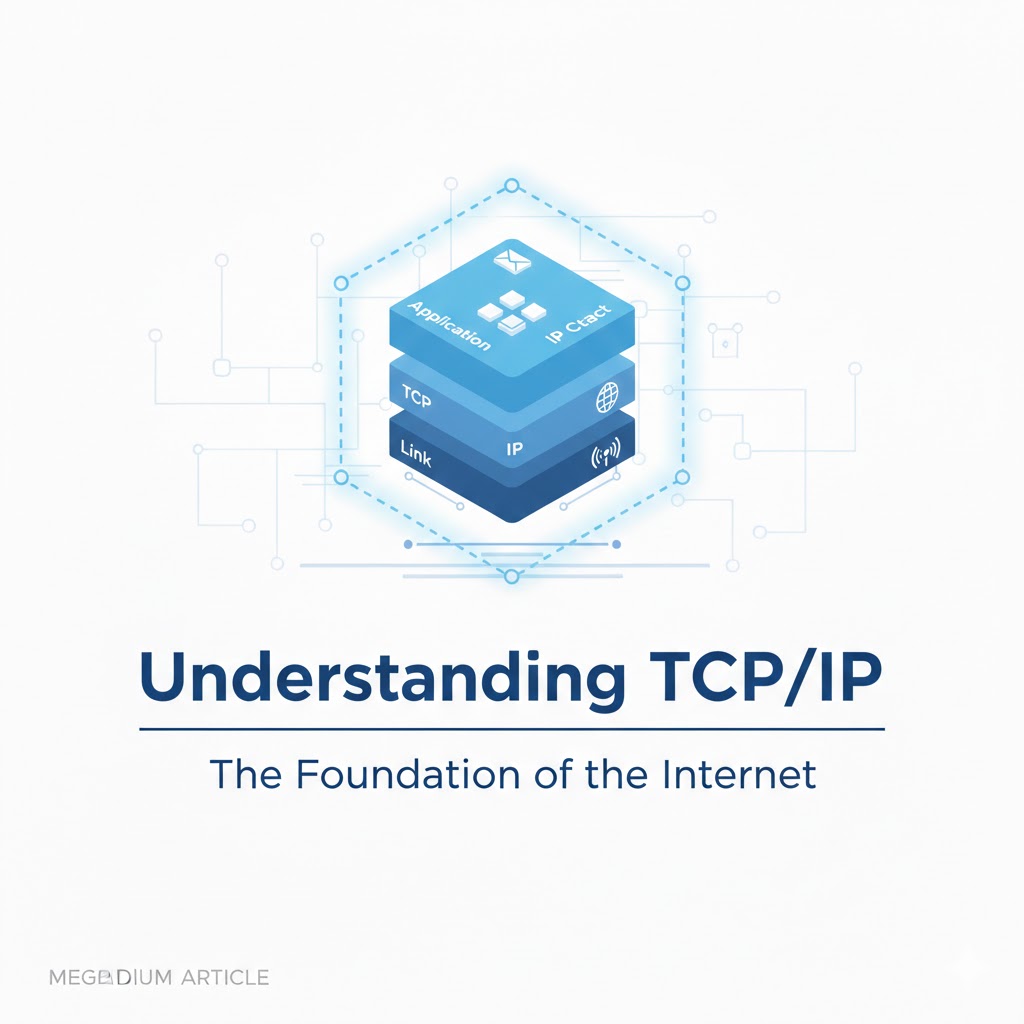
TCP/IP Protocol
အားလုံးပဲမင်္ဂလာပါ။ ဒီနေ့ ကျွန်တော်တို့ TCP/IP Protocol အကြောင်း ဆွေးနွေးသွားပါမယ်။ ပထမဆုံးအနေနဲ့ TCP/IP ရဲ့ History လေး...

Terraform Day 1: Introduction to IAC and Terraform
ကျွန်တော်တို့ cloud အကြောင်း စပြောကြပြီဆိုရင် အရင်ဆုံး ခေါင်းထဲရောက်လာတာ Console ထဲဝင်၊ UI ကနေ ခလုတ်လေးတွေ လိုက်နှိပ်ပြီ...