
Day 3 - File Manipulation Mastery: Creating, Copying, Moving, and Deleting
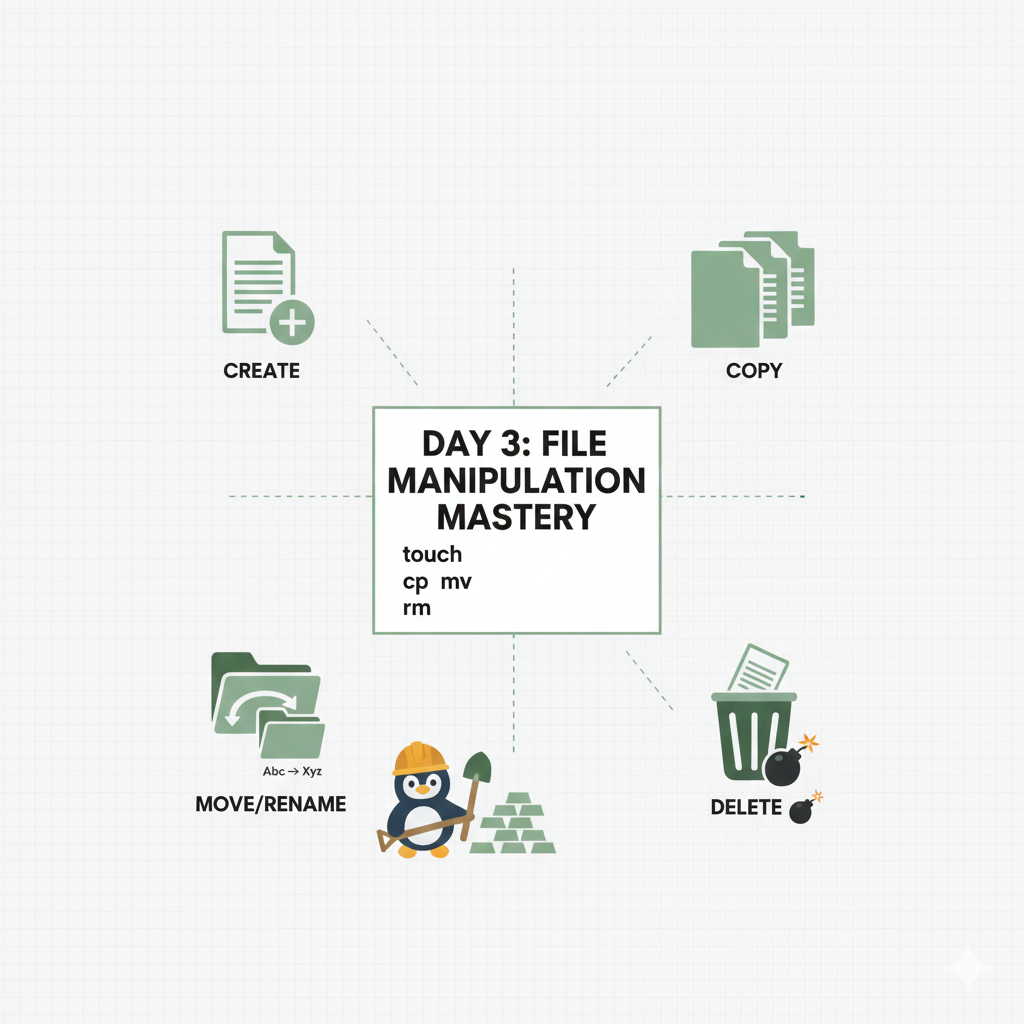

အားလုံးပဲ မင်္ဂလာပါ ၊ Day-02 မှာ Linux File System ထဲမှာ Directories တွေကြား ဘယ်လို သွားရမယ် ထွက်ရမယ် ဆိုတာတွေ လေ့လာခဲ့ပြီးပြီဆိုတော့ ဒီနေ့မှာတော့ မဖြစ်မနေသိထားရမဲ့ skill တစ်ခုဖြစ်တဲ့ File တွေကို ဘယ်လို manage လုပ်မလဲဆိုတာ ဆက်လေ့လာမှာပါ။
ကျွန်တော်တို အလုပ်ထဲမှာ Configuration File အသစ်တွေ ရေးဖို၊ Log တွေကို Archive လုပ်ဖို (သိမ်းဆည်းဖို) ဒါမှမဟုတ် မလိုအပ်တဲ့ File တွေကို သေချာ ဖျက်ပစ်ဖို လိုအပ်ပါတယ်။ကဲ အ့ဆို ကျွန်တော်တို working environment မှာ မသုံးမဖြစ်သုံးနေရမဲ့ commands တွေ တူတူလိုက်စမ်းကြည့်ကြမယ်ဗျာ။
1. Creating an Empty File and Directory (touch /mkdir)
touch
Configuration ဖိုင်တစ်ခုဖြစ်ဖြစ် deployment script တစ်ခုဖြစ်ဖြစ် စရေးမယ်ဆိုရင်၊ အရင်ဆုံး ဖိုင်အလွတ်တစ်ခု ဖန်တီးဖို လိုပါတယ်။ touch command က current durectory ထဲမှာ ဘာမှမပါတဲ့ ဖိုင်အလွတ်တစ်ခု ကို ဖန်တီးပေးပါတယ်။
1touch setup_log.txtls command ကိုသုံးပြီး setup_log.txt ဆိုတဲ့ ဖိုင်ပေါ်လာမလာ စစ်ကြည့်လိုရပါတယ်
mkdir(make directory)
directory(folder)တစ်ခု ဖန်တီးချင်ရင် mkdir (Make Directory) ကို သုံးရပါမယ်။
1mkdir new_project_config2. Copying a File (cp)
File တွေကို တစ်နေရာကနေ နောက်တစ်နေရာကို ပွားဖိုအတွက်ဆို cp (Copy) ကိုသုံးလို့ရတယ်ဗျာ။
ဒီကောင့်ကို သုံးရမဲ့ ပုံစံက-: cp [Source File] [Destination]
လက်ရှိdirectory ထဲကဟာကိုပဲ copy ကူးမယ်ဆိုရင်
1cp setup_log.txt setup_log_backup.txtမူရင်းFileရဲ့ မိတ္တူကို နာမည်ပြောင်းပြီး ဖန်တီးလိုက်တာပါ
တစ်ခြား directory ထဲကို copyကူးချင်တယ်ဆိုရင်
1cp config.yaml /etc/new_deploy/config.yaml file ကို /etc/new_deploy/ ဆိုတဲ့ Path ထဲကို ကူးထည့်လိုက်တာပါ
Directory တစ်ခုလုံး ကူးချင်တယ်ဆိုရင် (Recursively)
directory တစ်ခုကို သူ့အတွင်းက sub-directories တွေရော Filesတွေ ရောပါ တစ်ခါတည်း ကူးချင်ရင် cp နဲ့အတူ -r flag ကို သုံးရပါမယ်။
1cp -r old_data_dir /var/backup/old_data_dir ဆိုတဲ့ directory တစ်ခုလုံးနဲ့ အတွင်းမှာရှိတဲ့ file အကုန်လုံး /var/backup/ ထဲကို ရောက်သွားမှာပါ။
3. Moving or Renaming (mv)
mv (Move) command ကို Fileဒါမှမဟုတ် directory ကို location change ဖိုနဲ့ name change ဖို့ဆိုပြီး ရည်ရွယ်ချက်နှစ်ခုအတွက် သုံးလို့ပါတယ်။
mv command ကို သုံးတဲ့ပုံစံက "mv [Source File] [Destination/New Name]"
File ကို အခြားနေရာ ပြောင်းချင်ရင်
1mv deploy.log /var/log/archive/ဖိုင်ကို မူရင်းနေရာက ဖြတ်ယူပြီး /var/log/archive/ ထဲသို ရွှေ့လိုက်တာပါ၊ cpနဲ့ မတူတာက cpက နောက်တစ်ရာမှာ ထပ်ပွားတာမို အရင်နေရာမှာလည်း ကျန်နေဦးမှာပါ၊ mv ကျတော့ အပြီးရွှေ့လိုက်တာမို အရင်နေရာမှာ ဘာမှကျန်မှာ မဟုတ်ပါဘူး။
File ကို နာမည်ပြောင်းချင်ရင်
1mv old_file.txt new_file.txtဖိုင်ကို နေရာမရွှေ့ဘဲ နာမည်ပဲ ပြောင်းလိုက်တာပါ။
4. Deleting (rm and rmdir)
မလိုတော့တဲ့ File တွေနဲ့ Directoryတွေ ဖျက်ပစ်ဖို rm( remove ) နဲ့ rmdir ( remove directory ) ကို သုံးရပါမယ်။
File တစ်ခုကို ဖျက်မယ်ဆိုရင်
1rm temp_file.txtLinux မှာ Windows လိုမျိုး "Recycle Bin" မရှိတာမို rm နဲ့ ဖျက်လိုက်ရင် အဲ့ File က ချက်ချင်းပျောက်သွားမှာမို အမြဲ သတိထားပြီး သုံးသင့်ပါတယ်။
empty Directory တစ်ခုကို ဖျက်ချင်တယ်ဆိုရင်
1rmdir empty_folderဒီ command က directory အလွတ် တွေကို ဖျက်ပေးနိုင်တာပါ။
အထဲမှာ File တွေပါနေတဲ့ directory တစ်ခုလုံး ဖျက်ချင်တယ်ဆိုရင်
1rm -r folder_with_files-r (Recursive) flag ကိုသုံးပြီး directory နဲ့ အတွင်းမှာရှိတဲ့ အရာတွေကို ဖျက်လိုရတယ်။
အတည်ပြုချက်မတောင်းဘဲ force လုပ်ပြီး ဖျက်ချင်တယ်ဆို
1rm -rf bad_projectဒီ -f Command ကို ဂရုတစိုက် သုံးဖိုတော့လိုပါတယ် ။ အထူးသဖြင့် Root directory ( / )နဲ့ တွဲပြီး သုံးမိရင် system တစ်ခုလုံးက file တွေနဲ့ directory တွေပါ ပျက်သွားနိုင်လို့ပါ။
ဒီနေ့တော့ ဒီလောက်ပါပဲ။
နောက်ရက် Part -( 04 )မှာတော့ File ထဲက info တွေ dataတွေ ကို cat, less, tail နဲ့ grapတွေကို သုံးပြီး ဘယ်လိုဖတ်မလဲ ရှာမလဲဆိုတာတွေ ဆက်လေ့လာသွားကြမယ်ဗျာ
Discussion
Join the conversation
How do you feel about this article?
Comments
Sign in to join the conversation
Sign in to be the first to comment!
Share Your Article
Share with your professional network
Recent Articles
Day 1 - Software Development ကို ပိုပြီးမြန်စေမယ့် CI/CD
Software တစ်ခုရေးပြီးပြီဆိုရင် "ငါ့စက်ထဲမှာတော့ အလုပ်လုပ်တယ်" ဆိုရုံနဲ့ မပြီးသေးပါဘူး။ User တွေသုံးမယ့် Server ပေါ်ရောက်...

Secure AWS ECR Github Action Using OIDC
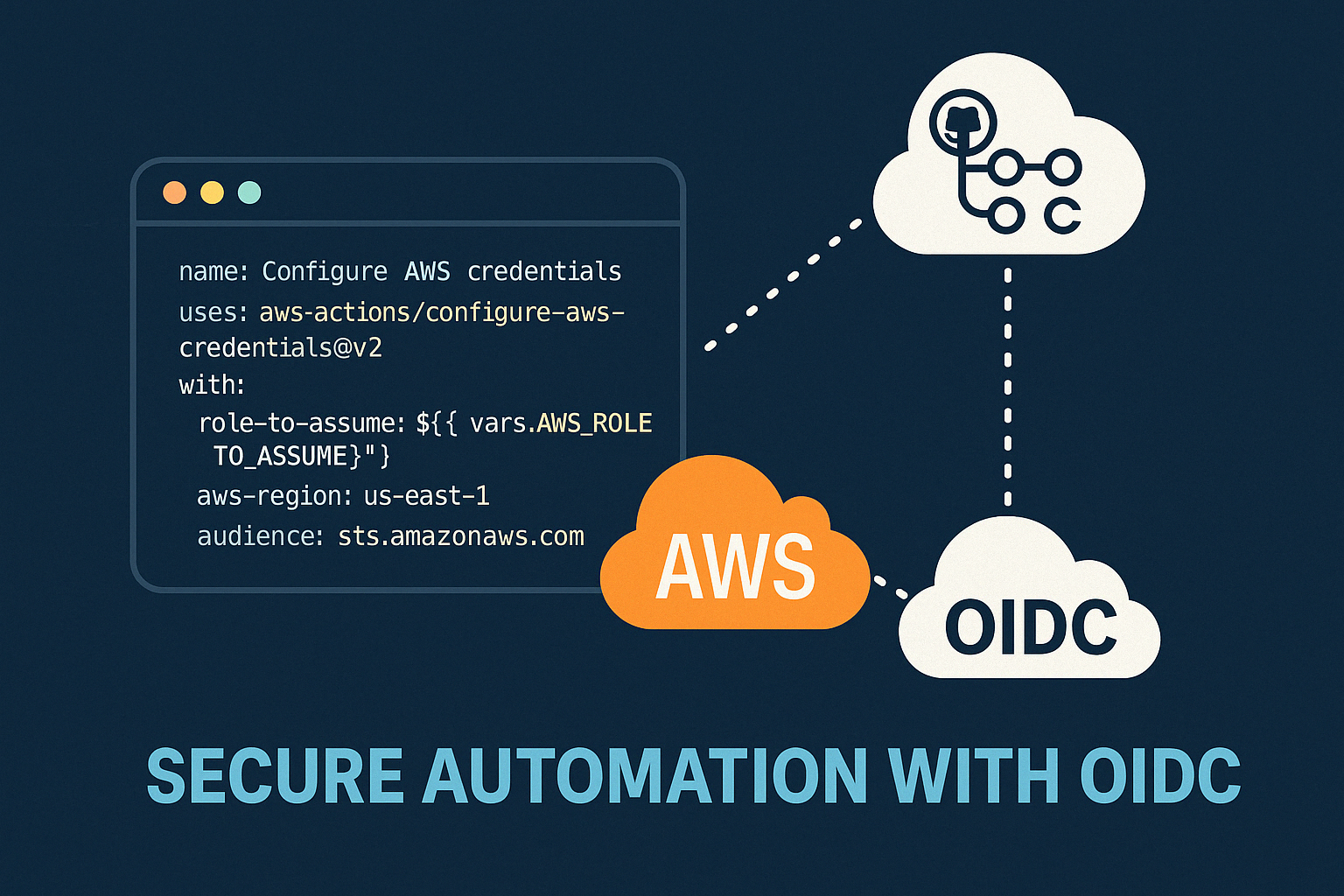
Modern DevOps နှင့် Cloud Security တို့မှာ အဓိကဖြစ်လာသည့် Authentication System ယနေ့ခေတ် DevOps, Cloud Engineering, CI/C...
Manual vs Automated Infrastructure: Why "useradd" Still Matters in the Terraform Era
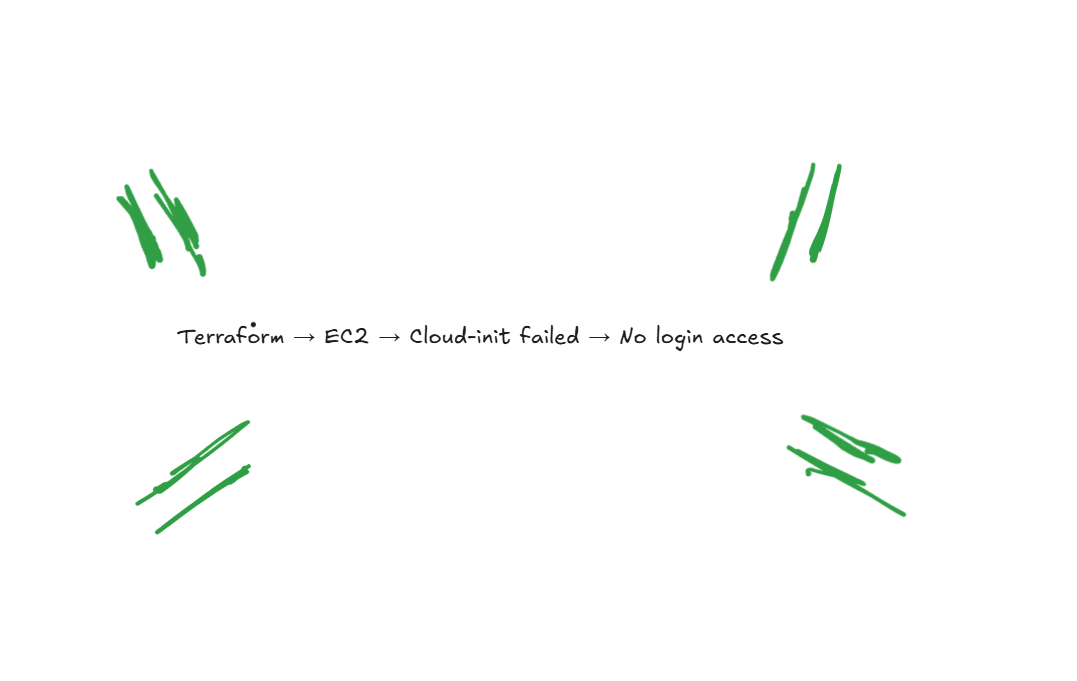
DevOps careerကို လျှောက်နေတဲ့သူတိုင်း Terraform၊ Ansible စတဲ့ Infrastructure as Code (IaC) tools တွေရဲ့ အလုပ်လုပ်နိုင်စွ...

From Surviving to Thriving
“AI ကြောင့် developer အလုပ်ပျောက်သွားမလား?” ဆိုတဲ့ မေးခွန်းကို Junior developer တိုင်း စဉ်းစားဖူးကြမှာပါ။ ဈေးကွက်အခြေအနေ...


AWS - Global Infra
AWS Global Infra AWS Global Infra & Service Type ဆိုတဲ့ ခေါင်းစဉ်နဲ့ ၂၀၂၅ ဒီဇင်ဘာမှာရေးထားဖူးတဲ့ article ကို အရင်ဆုံး ဖတ...