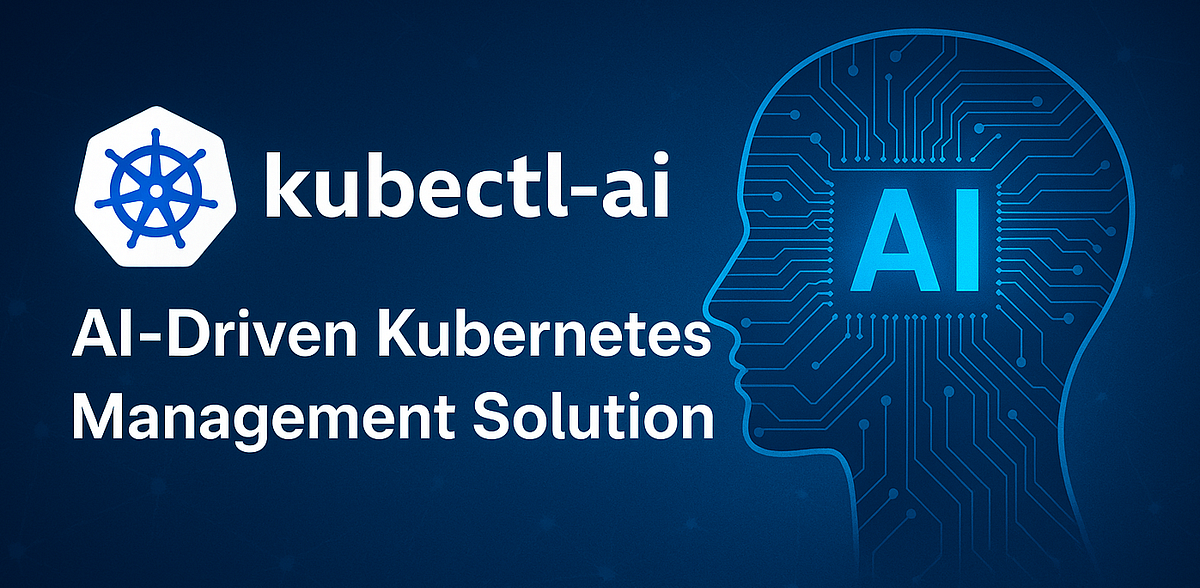

ဒီပိတ်ရက်မှာ ကျွန်တော် tool တစ်ခုကို share ပေးချင်ပါတယ်။ kubectl-ai လို့ခေါ်ပါတယ်။ kubectl-ai က kubernetes cli အတွက် AI-powered tool တစ်ခုဖြစ်ပြီး AI models တွေဖြစ်တဲ့ Gemini, OpenAI, Azure OpenAI တို့နဲ့ အလုပ်လုပ်နိုင်တယ်။ ollama and llama တို့လို local LLM တွေနဲ့လည်းအလုပ်လုပ်နိုင်ပါသေးတယ်။
kubectl-ai intro
DevOps သမားတွေအတွက်တော့ kubectl command တွေဟာ နေ့စဉ် ထိတွေ့နေရတာမလို့ပြသနာမရှိပေမယ့် k8s ကိုစတင်လေ့လာနေတဲ့သူတွေ command တွေမှတ်ရခက်တဲ့သူတွေ developer တွေအတွက်တော့ ဒီ tool လေးဟာအတော်လေးအဆင်ပြေပါတယ်။ သူ့ကို google cloud က ထုတ်ပေးထားတာဖြစ်ပြီး default LLM အဖြစ် gemini ကိုသုံးထားပါတယ်။
how does it work?
ကျွန်တော်တို့ ပေးလိုက်တဲ့ natural-language query တွေကိုယူပါတယ်။ (ဥပမာ - show all pods in dev namespace) ပြီးတာနဲ့ ကျွန်တော်တို့ချိတ်ထားတဲ့ AI model ကိုမေးပါတယ်။ AI ကနေပြီးတော့ kubectl command တွေ manifest ( yaml , helm ) တွေကို လိုအပ်သလိုပြန်ထုတ်ပေးပါတယ်။ အလွယ်ပြောရရင်တော့ kubectl-ai ဆိုတာ natural-language query တွေကို kubectl command or manifest တွေအနေနဲ့ပြန်ထုတ်ပေးတဲ့ tool ဖြစ်ပါတယ်။
how to use it?
kubectl-ai ရဲ့ github page ကနေ binary ကို download ဆွဲနိုင်ပါတယ်။ docs မှာပြထားတဲ့အတိုင်း ကိုယ်သုံးမယ့် model ရဲ့ api key ကို export GEMINI_API_KEY=your_key ဆိုပြီးကြေငြာပေးလိုက်ပါ။ ပြီးရင်တော့ kubectl-ai —model model_name ဆိုပြီး ရိုက်လိုက်တာနဲ့ AI ရဲ့ အကူညီနဲ့ kubernetes နဲ့ဆိုင်တာတွေ လုပ်လို့ရပါပြီ။
ကျွန်တော်အပေါ်မှာပြောခဲ့သလိုပဲ command တွေမမှတ်နိုင်တဲ့သူတွေ developer တွေ tool ကိုစမ်းသပ်ချင်တဲ့သူတွေအသုံးပြုနိုင်ပါတယ်။
benifits of using kubectl-ai
command တွေ yaml တွေကို prompt နဲ့တင်အလုပ်လုပ်နိုင်တာမလို့အချိန်ကုန်သက်သာစေတယ်။ မေးလိုက်ရုံနဲ့ kubernetes ကိုလွယ်ကူစွာသုံးနိုင်တယ်။ AI ရဲ့အကူညီနဲ့ troubleshoot လုပ်ရာမှာပိုသက်သာစေပါတယ်။
Important Notices
ကောင်းတဲ့အချက်တွေရှိသလို သတိထားရမှာတွေလည်းအနည်းငယ်ရှိပါတယ်။ Sensitive data (Secrets, ConfigMaps) ပါတဲ့ command တွေကို AI ဆီမပို့မိအောင် သတိထားပါ။ Production cluster မှာ kubectl delete လိုမျိုး commands တွေကို auto-execute မလုပ်မိအောင် သတိထားပါ။ AI က တစ်ခါတလေ မှားယွင်းတဲ့ YAML command တွေကို generate လုပ်နိုင်တယ်။ API Costs (Cloud-Based AI သုံးပါက) API သုံးရင် Token-based billing ဖြစ်တာကြောင့် ကုန်ကျစရိတ်ကိုထည့်တွက်ဖို့လိုပါမယ်
အန္တရာယ်ရှိသော commands များအတွက် confirmation ဖွင့်ထားပါ ( eg.kubectl-ai --require-confirmation=true "Delete all pods" ) သို့မဟုတ် လုံးဝ disable ထားပါ ( eg. kubectl-ai --allow-destructive-commands=false ) အဆင်ပြေကြပါစေဗျာ ။ အဆုံးထိဖတ်ပေးလို့ကျေးဇူးတင်ပါတယ်
Discussion
Join the conversation
How do you feel about this article?
Comments
Sign in to join the conversation
Sign in to be the first to comment!
Share Your Article
Share with your professional network
Recent Articles
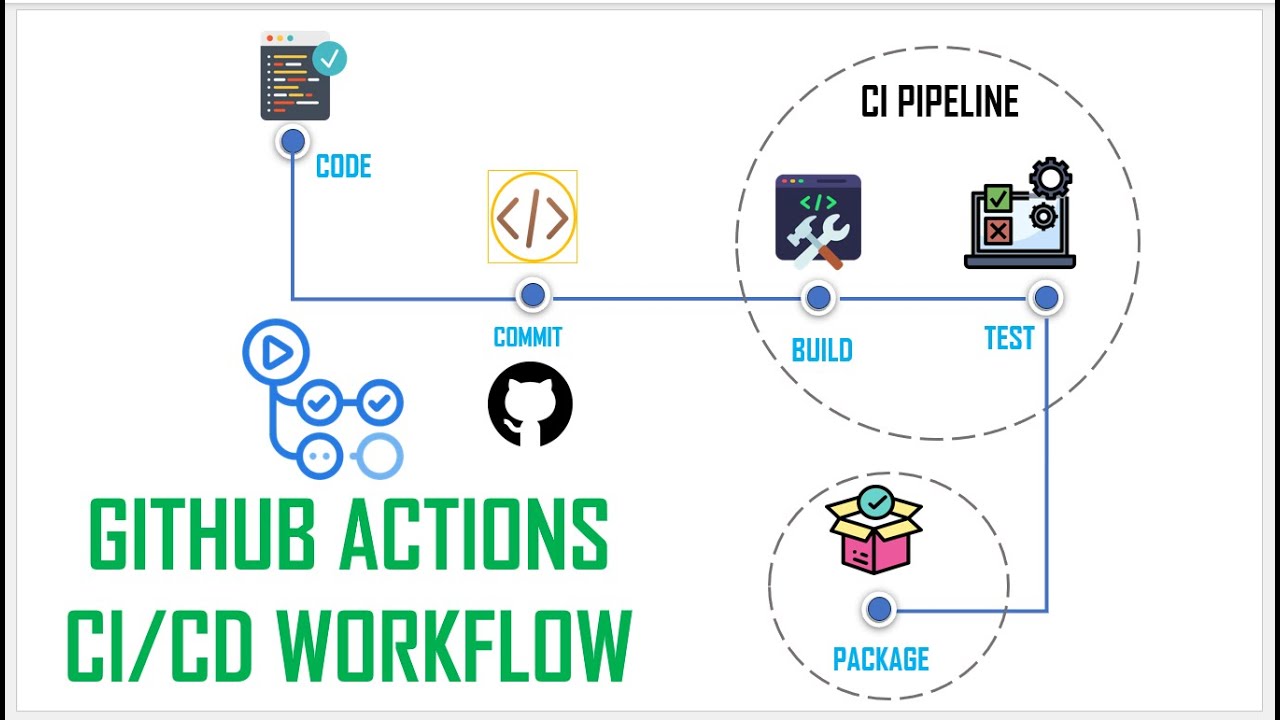
Day 2 - GitHub Actions ရဲ့ အဓိက Concepts များနှင့် Runner အကြောင်း
ပြီးခဲ့တဲ့အပတ် Day 1 တုန်းက ကျွန်တော်တို့ CI/CD ရဲ့ Concept တွေကို အကြမ်းဖျင်း ပြောခဲ့ကြပြီးပြီနော်။ ဒီနေရာမှာ လက်တွေ့မစ...

Day 1 - Software Development ကို ပိုပြီးမြန်စေမယ့် CI/CD
Software တစ်ခုရေးပြီးပြီဆိုရင် "ငါ့စက်ထဲမှာတော့ အလုပ်လုပ်တယ်" ဆိုရုံနဲ့ မပြီးသေးပါဘူး။ User တွေသုံးမယ့် Server ပေါ်ရောက်...
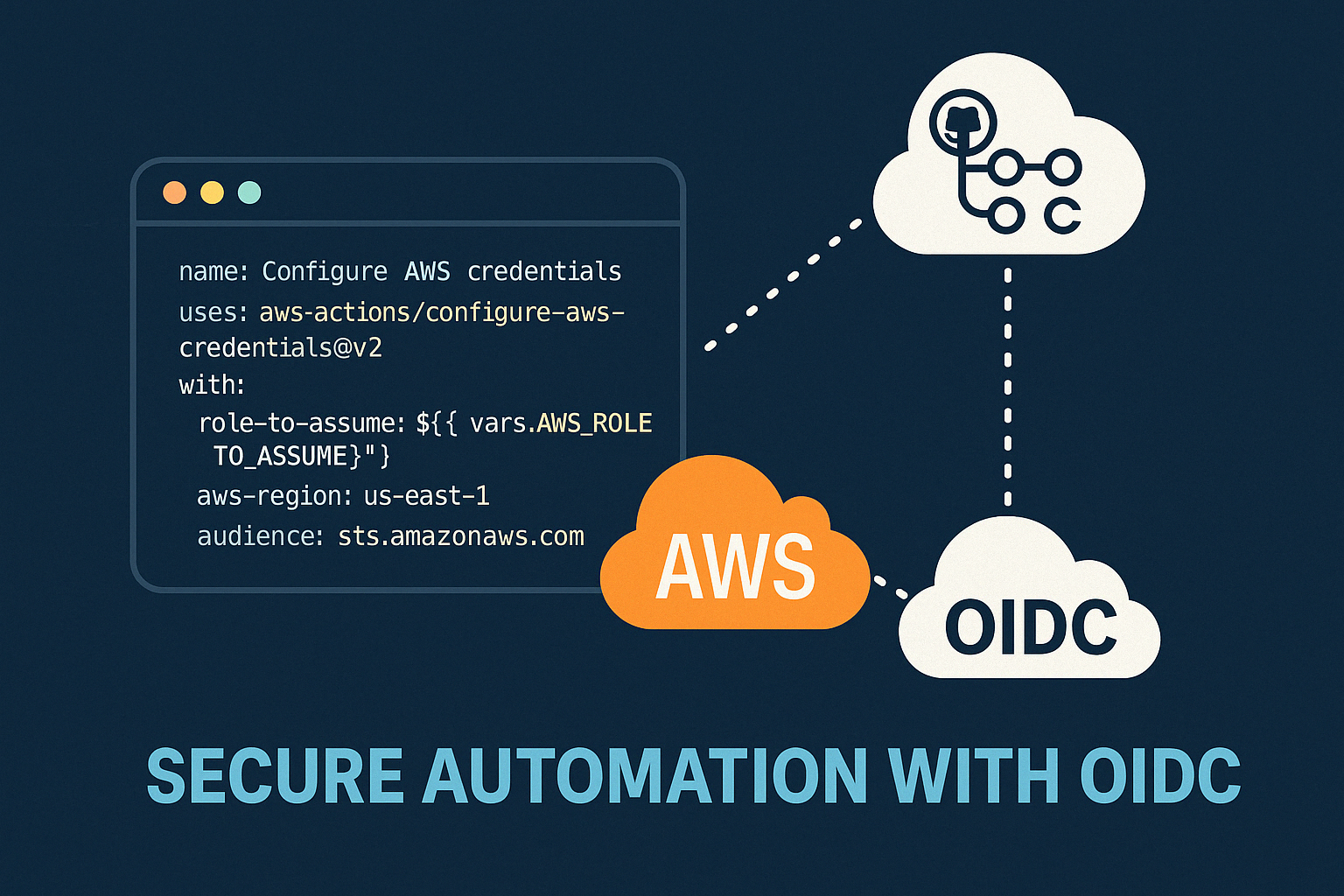
Secure AWS ECR Github Action Using OIDC
Modern DevOps နှင့် Cloud Security တို့မှာ အဓိကဖြစ်လာသည့် Authentication System ယနေ့ခေတ် DevOps, Cloud Engineering, CI/C...
Manual vs Automated Infrastructure: Why "useradd" Still Matters in the Terraform Era
DevOps careerကို လျှောက်နေတဲ့သူတိုင်း Terraform၊ Ansible စတဲ့ Infrastructure as Code (IaC) tools တွေရဲ့ အလုပ်လုပ်နိုင်စွ...


From Surviving to Thriving
“AI ကြောင့် developer အလုပ်ပျောက်သွားမလား?” ဆိုတဲ့ မေးခွန်းကို Junior developer တိုင်း စဉ်းစားဖူးကြမှာပါ။ ဈေးကွက်အခြေအနေ...